
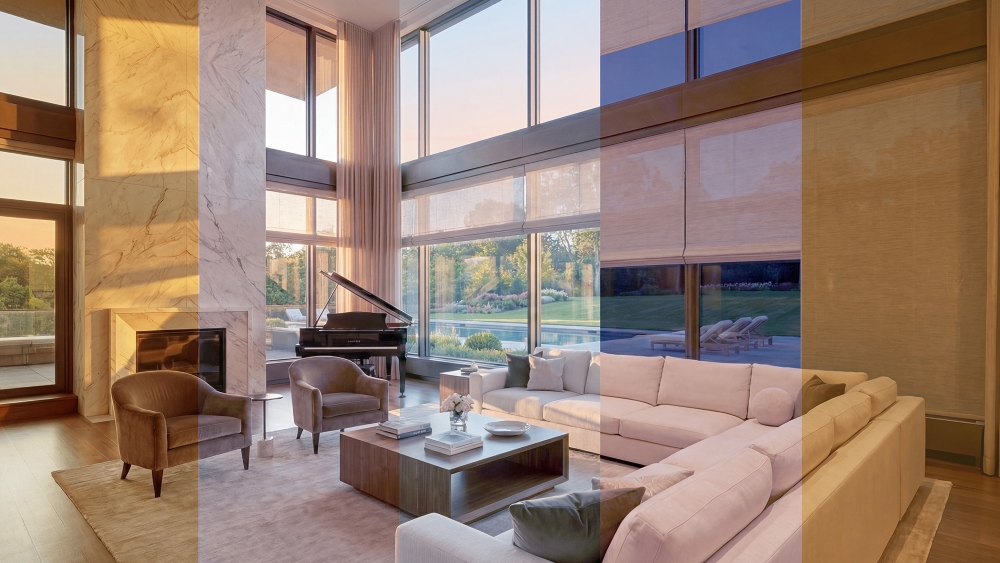
URC has released another module from its Total Control Automation Engine. The new Intelligent Shading Utility, as it’s being called, follows close on the launch of URC’s Circadian Lighting Utility, launched earlier this year, and is the second in a list of planned automation tools for the Total Control platform leveraging AI reasoning at their core.
How Does the Intelligent Shading Utility Work?
The Intelligent Shading Utility, to a certain extent, serves as the second half of URC’s Circadian Lighting Utility.
According to URC, the Utility acts as a “smart home automation script,” that evaluates each shade every few minutes before deciding on whether it should be adjusted or not. The system will reportedly even factor in latitude and longitude readings so it can calculate the sun’s exact elevation throughout the day to align window treatments along its path.
While light saturation does play a factor in these decisions, URC states the utility pulls from a plethora of data points including the UV index, cloud cover percentage and daily high temperature (among others), to determine shade positioning throughout the day.
Additionally, URC says the utility tracks the cardinal direction of each shade in the home, such that adjustments only get made when the sun is expected to be shining on that specific window.
URC: UV Protection is Main Priority
Despite appearing to serve as a solid companion to the Circadian Lighting Utility, the focus of the intelligent shading utility extends well beyond traditional natural light control in the name of glare reduction and instead focuses on all challenges in the home caused by light ingress.
According to URC, the system’s highest priority is UV protection, meaning that shade movements will coordinate to prevent interior finishes from fading sooner than any other function. Of course, other elements, like thermal regulation, do play a significant role in the utility’s decision-making process as well.
Additionally, screens and shades labeled as “outdoor” in the system have their movements prioritized based on windspeeds, with measurements above 13 mph triggering a retraction.
How the Utility Accounts for Manual Inputs
The system does feature an automation bypass in the event a user wants to manually adjust outside of regular automations. This bypass occurs the moment a manual input is received and disables all automations for the shade at a default of three hours; however, that can be adjusted to be either shorter or longer based on client preference.
URC’s Automation Engine
The Intelligent Shading Utility, as with prior and forthcoming Utility modules on the Total Control Platform are built on the URC Automation Engine, which itself serves as the backend framework upon which the Utilities’ decision-making is conducted.
The goal with the Engine, as stated by URC, is to shift a lot of the complex logic away from being the burden of integrators and instead layer it into the platform itself. Leveraging the system’s pre-programmed intelligence, URC states that what once required hours of custom macro programming can now be handled by the platform itself.
Integrator Takeaways
Following on the heels of URC’s Circadian Lighting Utility, the Intelligent Shading Utility can either serve as a companion module, supplementing natural light in the home environment, or provide its own standalone value, as its functions are not exclusively tied to controlling light for the same reasons a traditional lighting system would.
With UV protection as its highest priority, the utility serves as a design-focused tool first and foremost, with other features trickling down into providing visual and environmental comfort, in addition to conserving heating and cooling expenditures.
As is URC’s intention, however, these Utilities are meant to feed into one another, building upon the capabilities of its platforms with simplistic paths for integrators to provide complex functionality where it once required multiple hours of custom programming for delivery.





